
Invoice follow up software. Take control of your receivables.

Chasivo tracks payment behaviour, scores risk before the due date, writes the follow-up, and sends it from your mailbox. Here’s how each piece works.

Unified Inbox

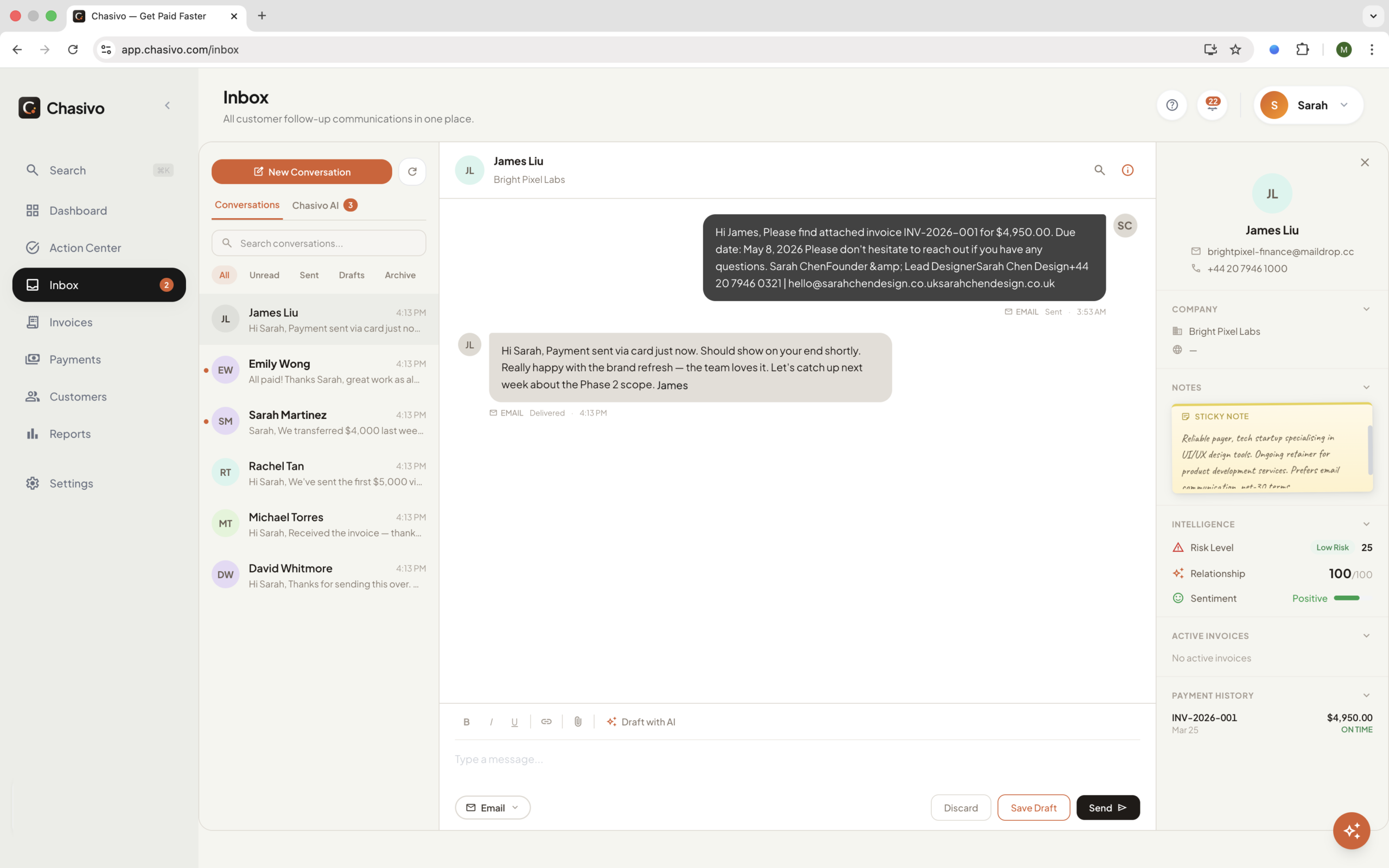
Every customer conversation in one view. Emails sync from Gmail every 60 seconds, threaded by customer. See active invoices, risk scores, and payment history in the context panel without leaving the conversation. Future integrations: SMS, WhatsApp.
Connect your tools

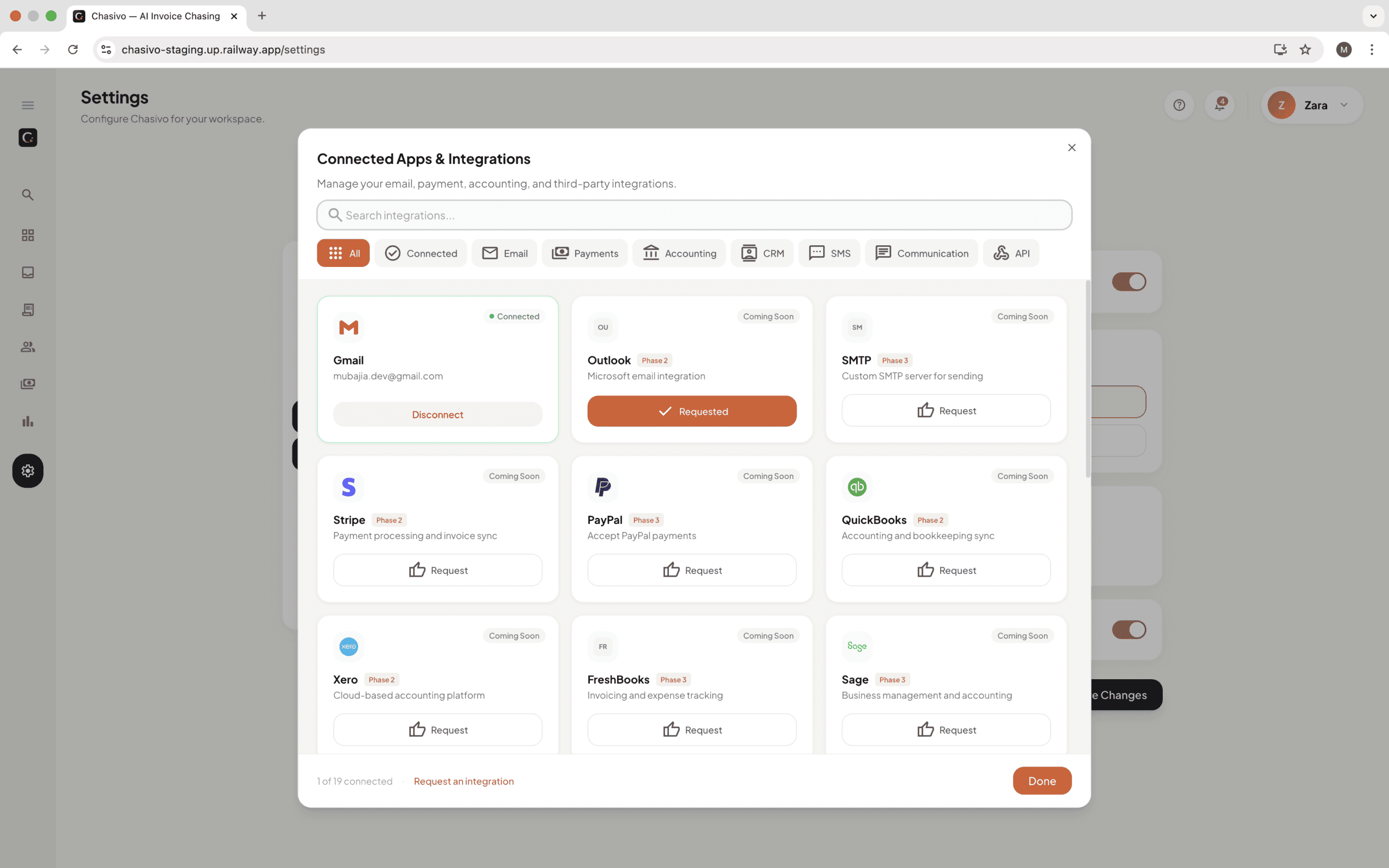
Keep your communication authentic and your data synced. Connect Gmail in one click so your follow-ups come from you, not a robotic server. We support CSV import and export today to keep your ledgers updated. Outlook, accounting integrations, and webhooks are on the roadmap. Tell us what you need built next..
AI Chasing Engine

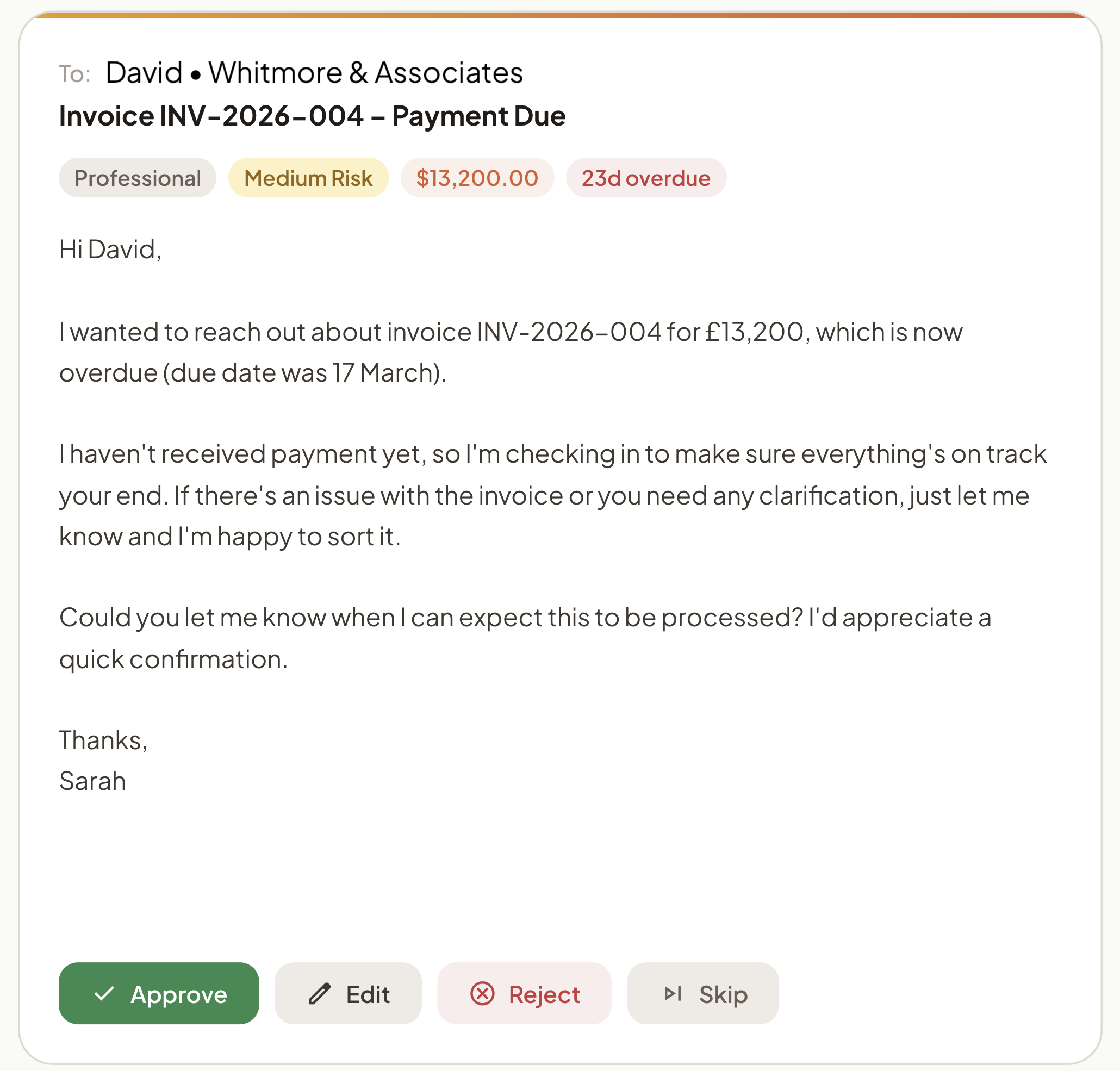
Chasivo drafts follow-ups using invoice data, customer history, and your tone settings. Late payment automation handles escalation for you. The first reminder is conversational, the third is direct. You control the mode: Autopilot, Copilot, or Manual.

AI Risk Scoring

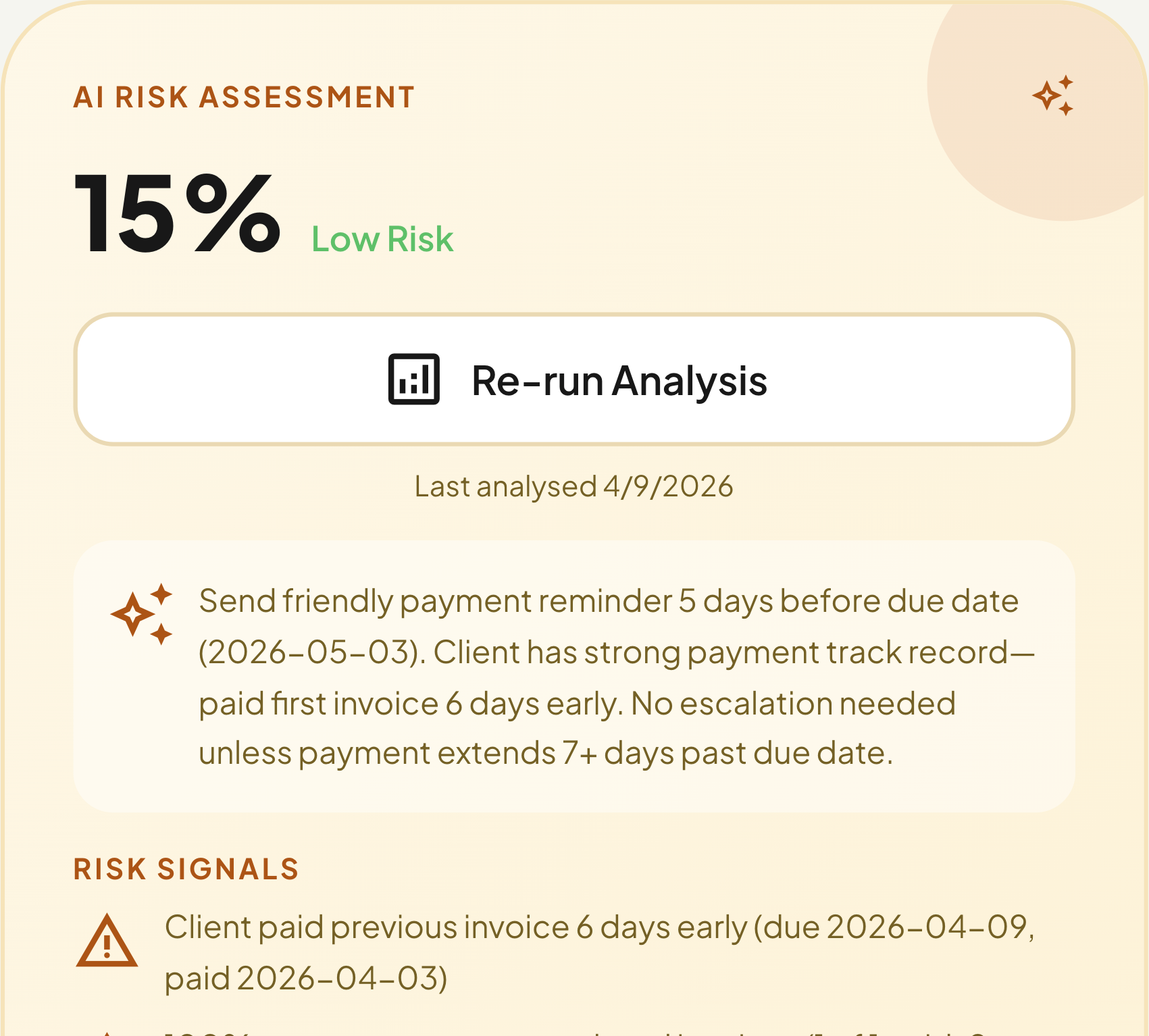
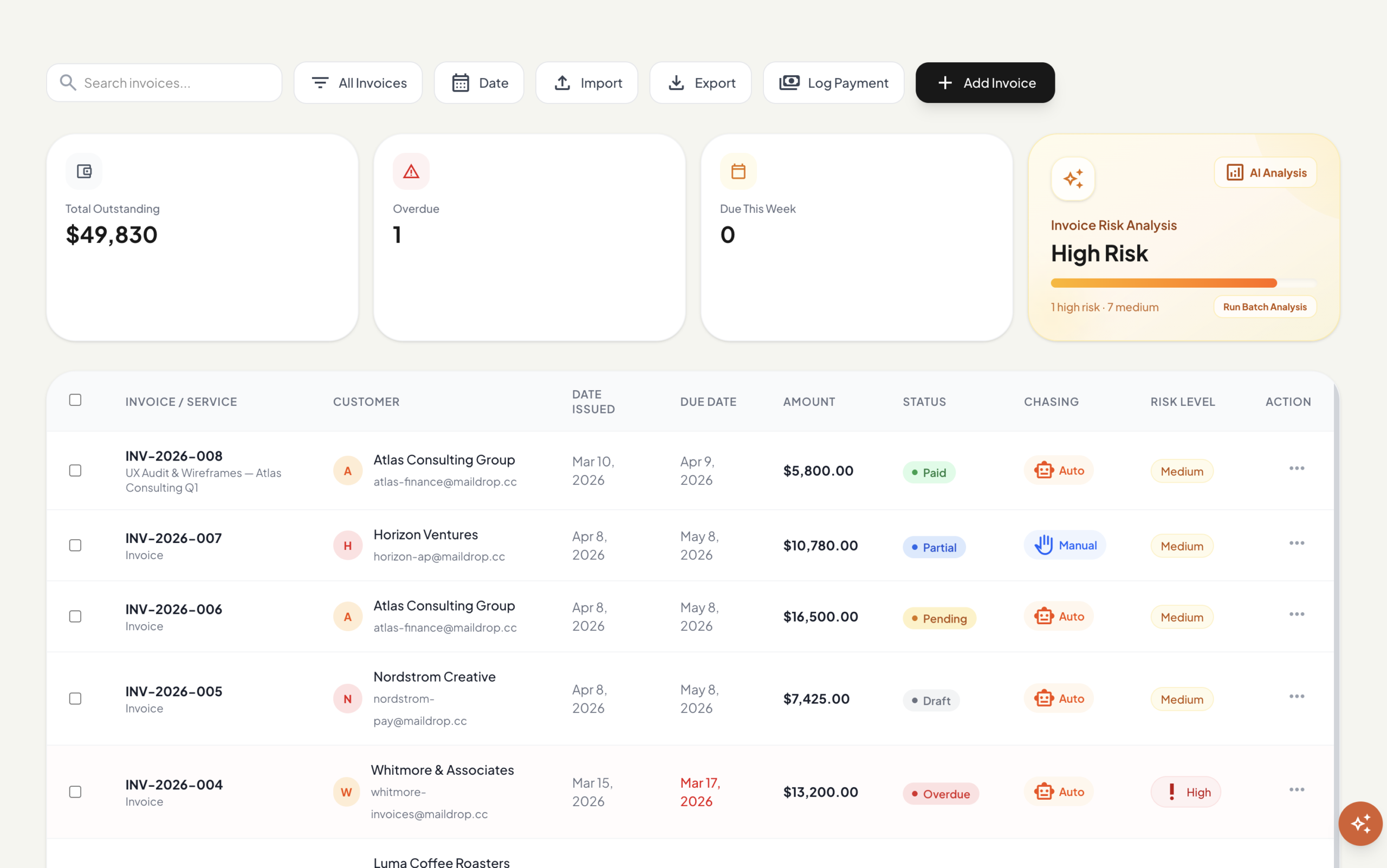
Every invoice gets a score from 0 to 100%. The model factors in payment history, invoice size, chasing activity, and broken promises. High-risk invoices surface first so you act before the due date passes.
Invoice Management

Create invoices with line items, automatic PDF generation, and risk scoring on creation. Import from CSV, export to PDF or Excel. Status tracking from draft through to paid.
AI Customer intelligence

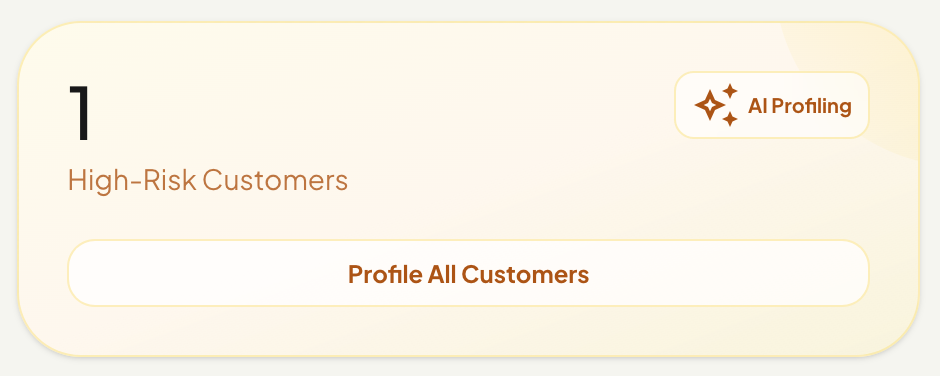
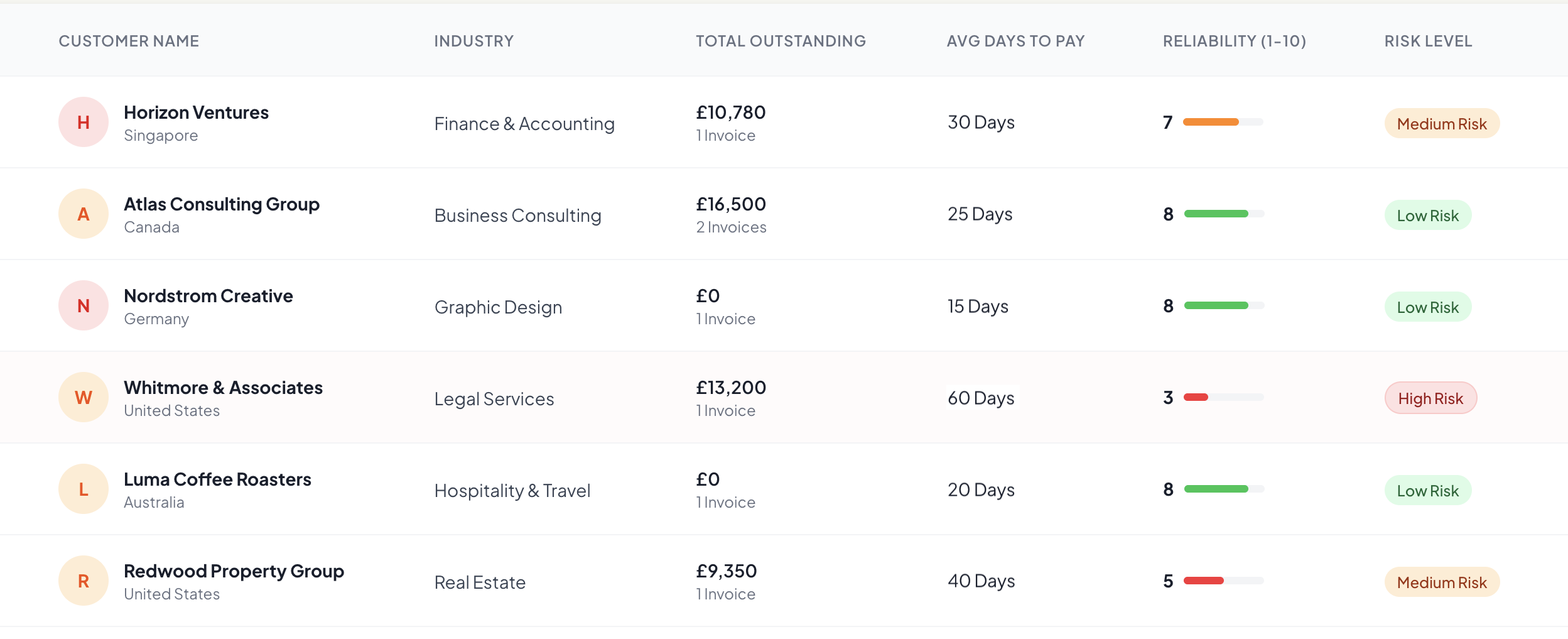
Chasivo builds a payment profile for every customer over time. Average days to pay, reliability score, risk level, trust score, ghosting probability. The AI uses this data to decide when to follow up, how firmly, and whether to escalate. You see the same data on every customer detail page.
Questions & answers

Autopilot: Chasivo drafts and sends follow-ups automatically based on payment history and escalation stage. You don’t review individual emails. Copilot: Chasivo drafts the follow-up and queues it for review. You approve, edit, or reject — rejection reasons train the AI. Manual: Chasivo tracks and scores risk but doesn’t draft or send anything. Set a default per account, override per customer. Pause any individual invoice during disputes.

You set a tone preference in Settings — the AI uses that as baseline. It factors in how overdue the invoice is: early follow-ups are brief and assume good intent, later ones are more direct. If you’re on Copilot and reject a draft with a reason, the AI reads your last 5 rejection reasons and adjusts. Over time it calibrates to your voice.

When you run a risk analysis, the AI pulls the customer’s full payment history — invoices, late count, average days late, collection rate. It returns a score 0–100 with a risk label (Low, Medium, High, Critical), specific signals like “historically pays 15 days late,” and a recommended action with target date. Batch analysis runs up to 10 invoices at once.

The reply lands in your Gmail inbox like any normal email. Chasivo also syncs it into your in-app Inbox, threaded under that customer’s conversation. Reply from either place. The AI doesn’t auto-respond to customer replies — even on Autopilot, inbound messages are yours to handle.

When you connect Gmail, Chasivo syncs recent conversations and matches them to customers. It sees the existing thread. If you already sent a follow-up this week, the AI factors that into timing. For customers you’ve been handling manually, start them on Copilot so you can verify the AI’s judgment before switching to Autopilot.

The AI tracks response patterns. If a customer has been unresponsive across multiple follow-ups, the system drafts escalation-stage messages with a firmer tone and flags the customer’s risk level accordingly. A dedicated ghosting score (behavioural prediction for silent customers) is planned for a future release.

Invoices (when you use Send Invoice), AI-drafted follow-ups (sent automatically on Autopilot or after approval on Copilot), and pre-due check-ins (a warm nudge before the due date, triggered by cron). Transactional emails to you — password resets, notifications — come from Chasivo’s own domain via Resend, not from your Gmail.

Yes, you can currently link your mail box via custom SMTP settings. Outlook OAuth sending is on the roadmap and coming soon.

Pro and Business plans include custom API webhooks — push invoice and customer events to your own systems. There’s an incoming webhook handler for receiving external events. A full public REST API is not available yet, but the webhook system covers most integration use cases.

Your invoices. Paid. Less effort.